
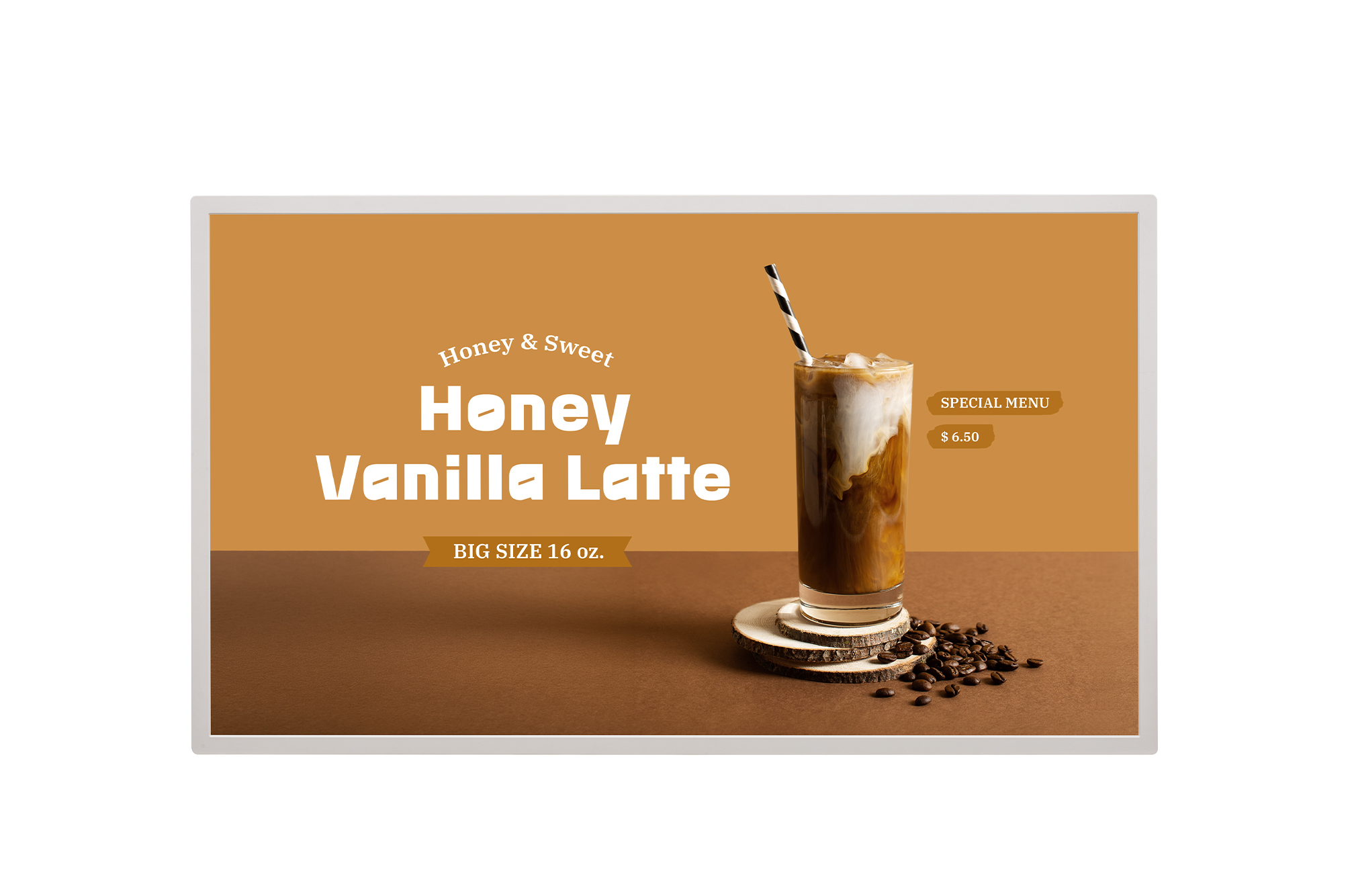

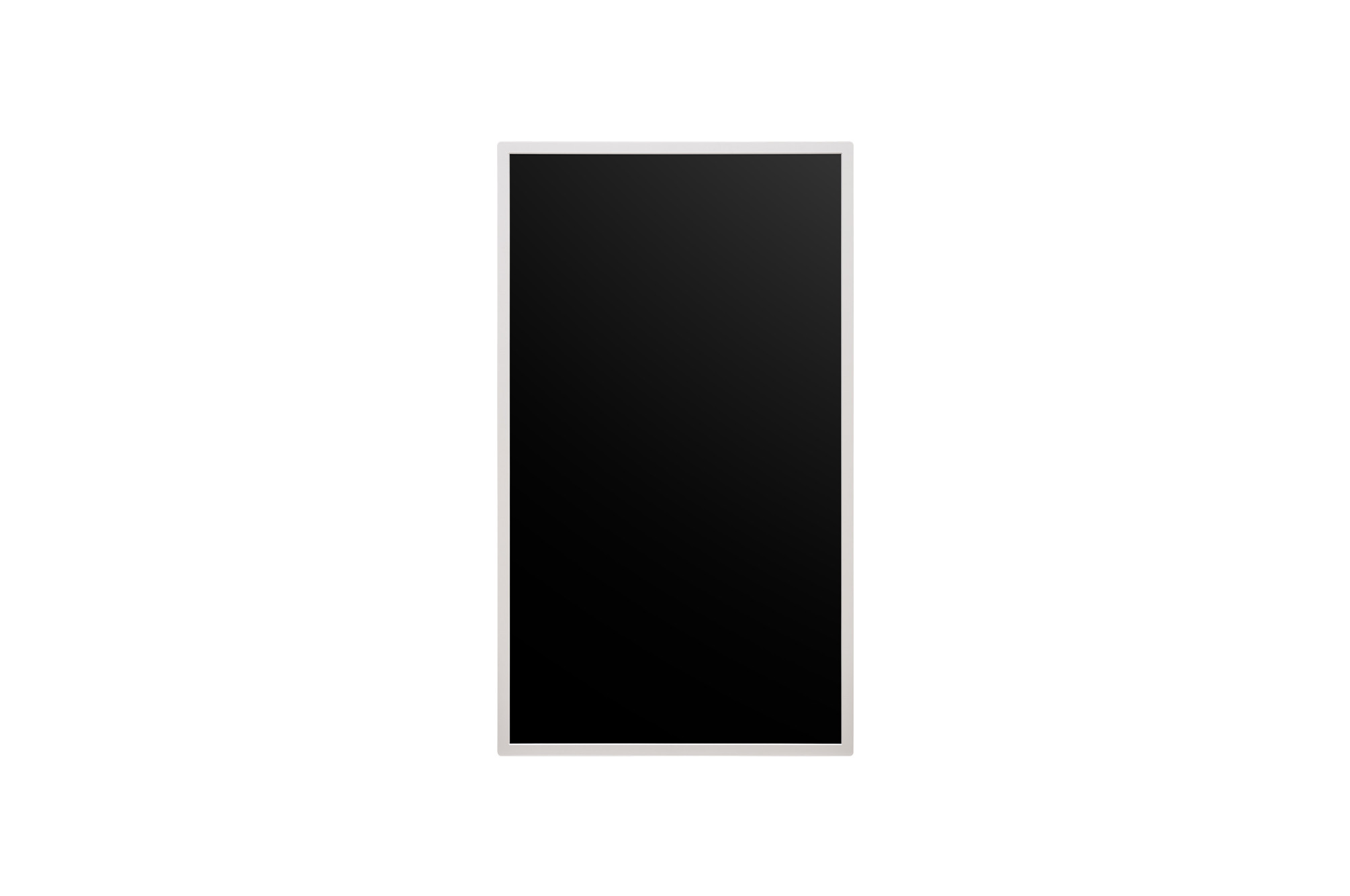
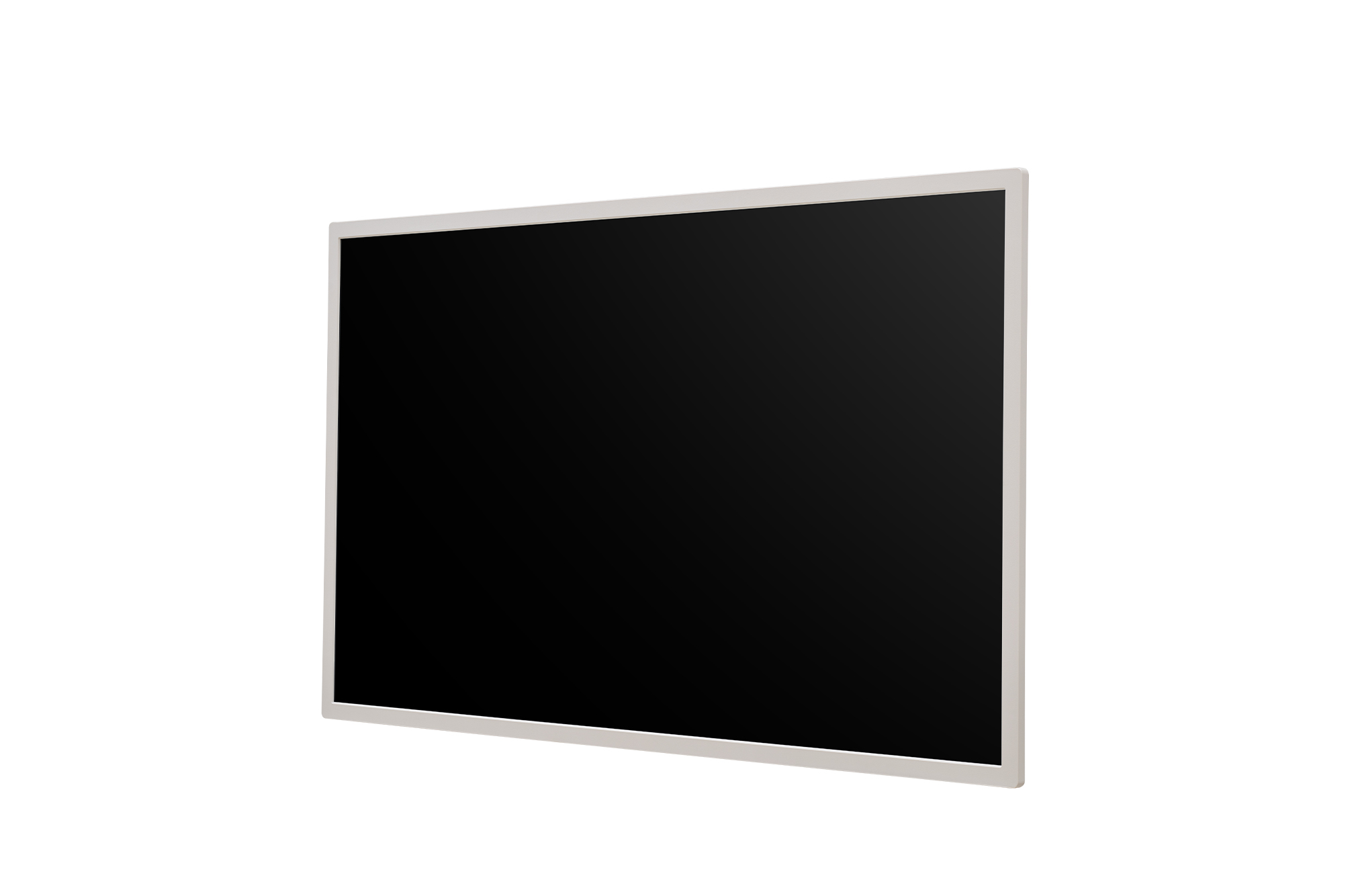
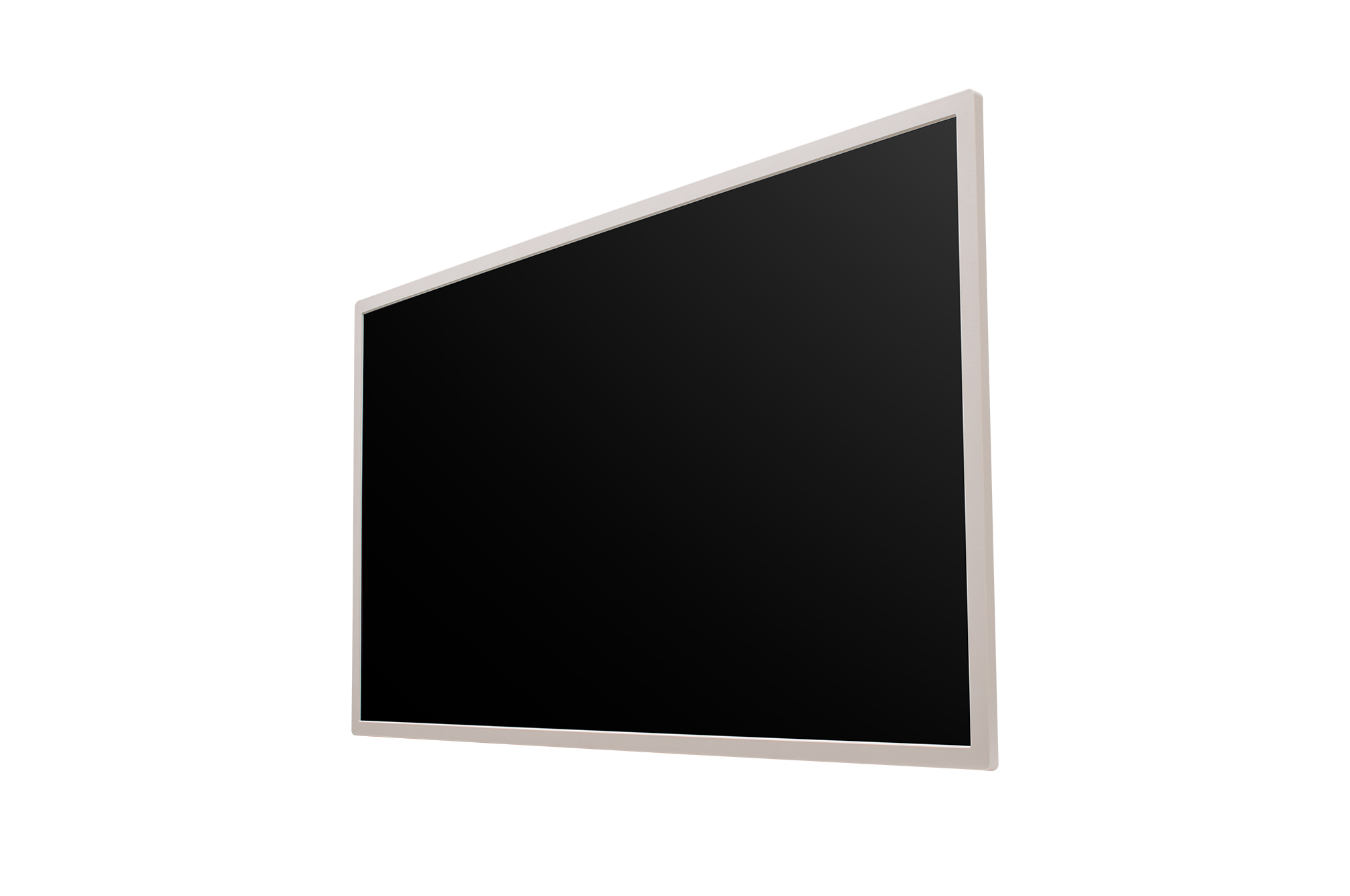

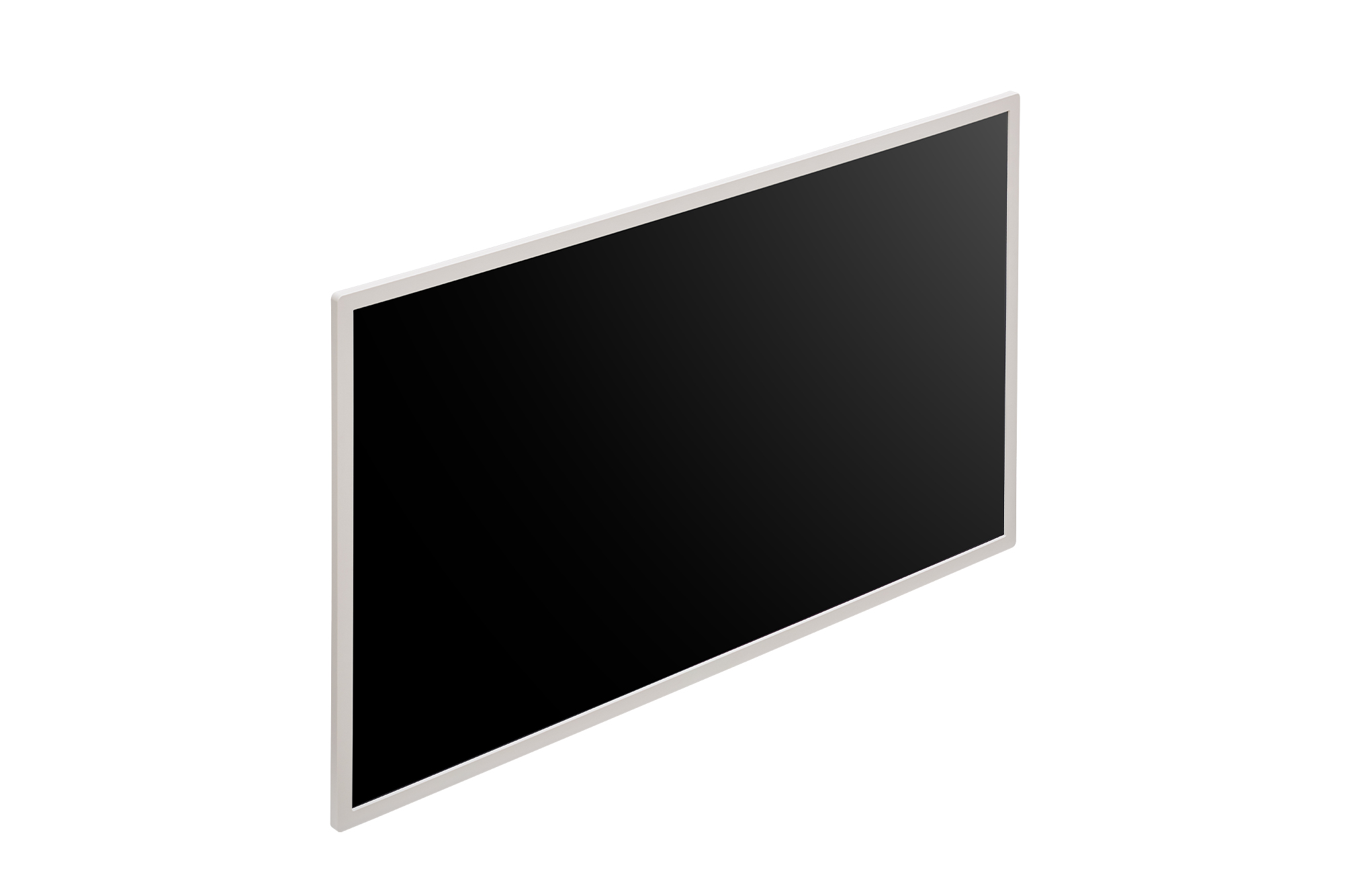
Key Feature
- Electronic ink-based display
- Resolution: 2,560 x 1,440
- Bezel Width: 13.3 mm
- Dimensions: 724.7 x 420.1 x 17.8 mm (W x H x D)
- Weight: 3.1 kg (with Battery, Hanging bolt *2ea)
- webOS26 Micro

Award-Winning Design
Ultra Low Powered Signage,
LG E-paper Display
Designed for Comfort,
Built for Efficiency
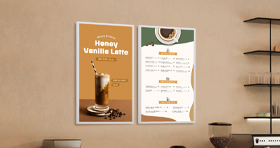
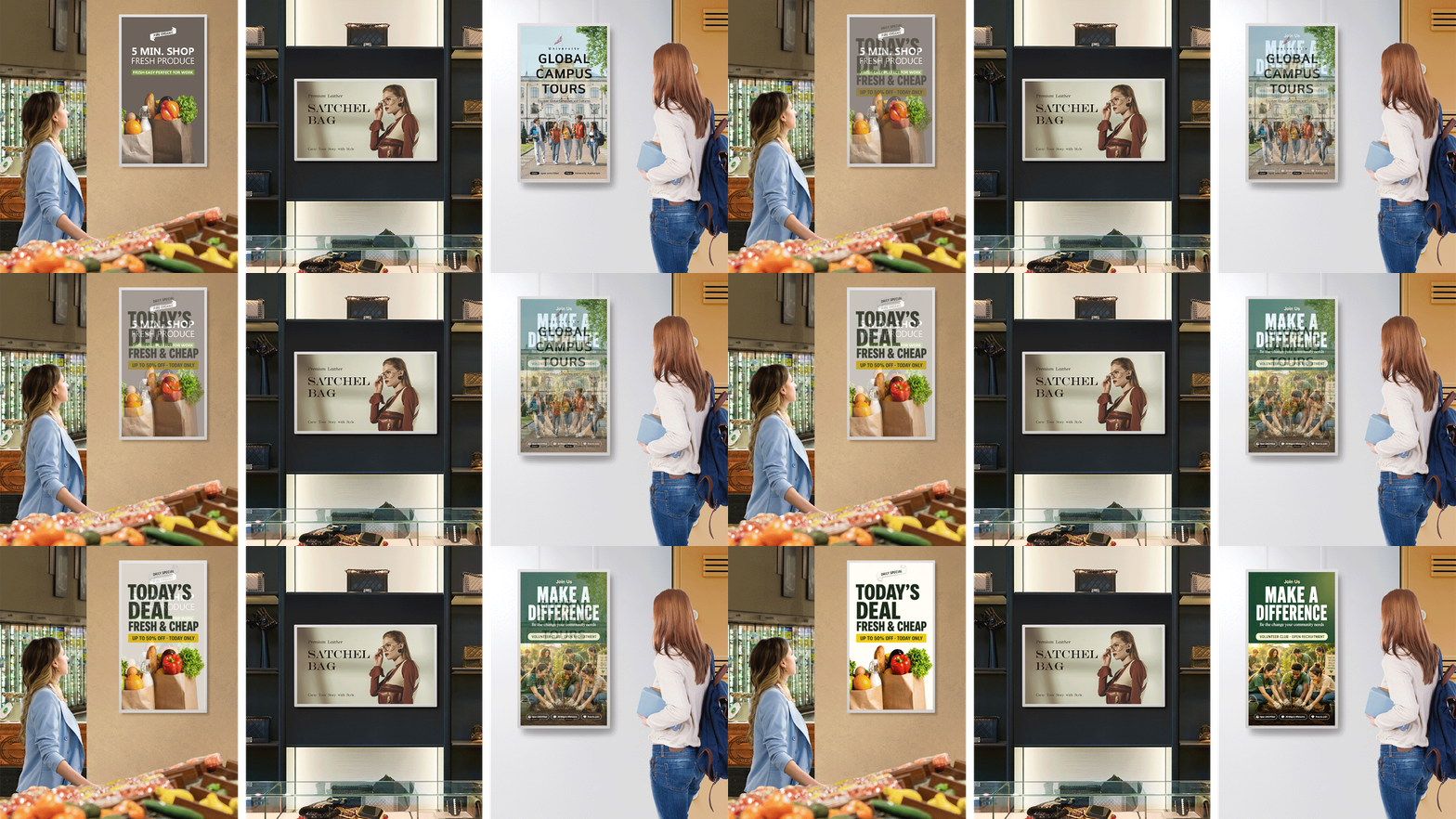
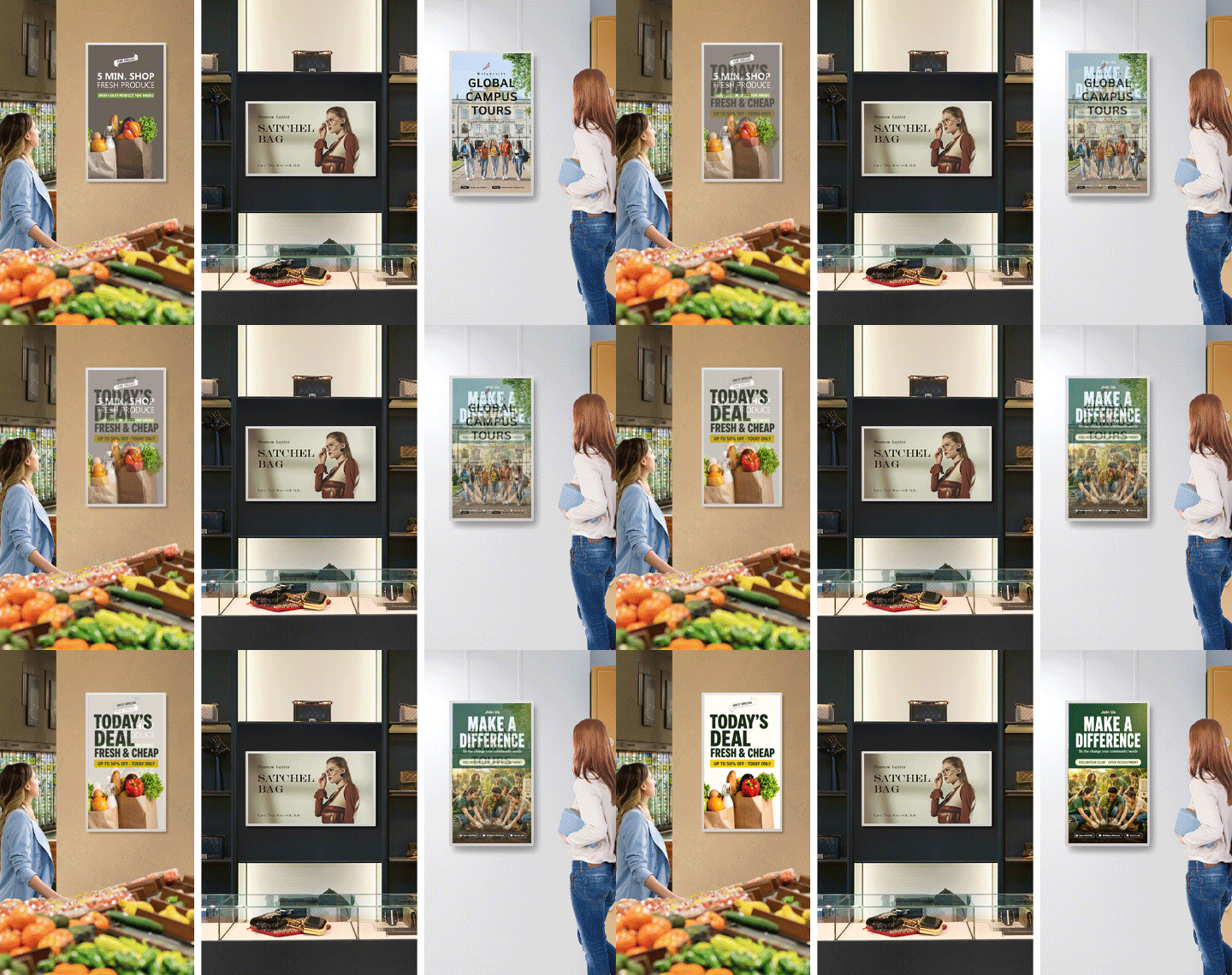
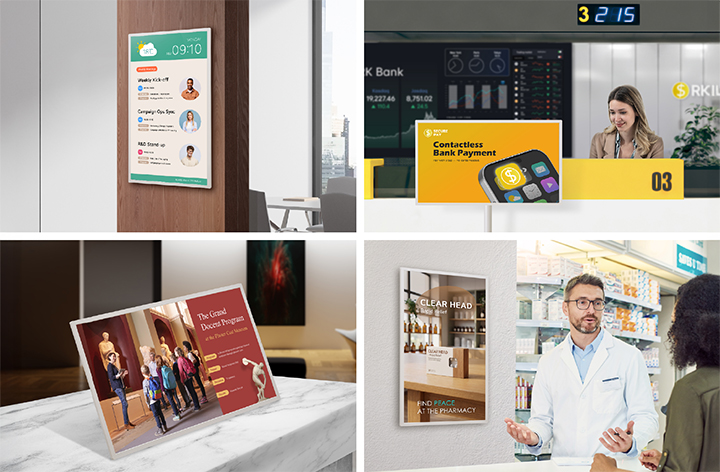
LG E-paper Display (EPD) is an electronic ink–based display that consumes power only when the screen content changes.
This allows for considerably lower power consumption compared to conventional digital signage. With its slim and
lightweight design, EPD serves as an effective replacement for traditional paper posters—ideal for displaying in-store
menus and promotional content. It also delivers a paper-like texture, that makes the screen look natural and comfortable to
view in any environment.
The Essence of Slim.
Designed to Blend Seamlessly
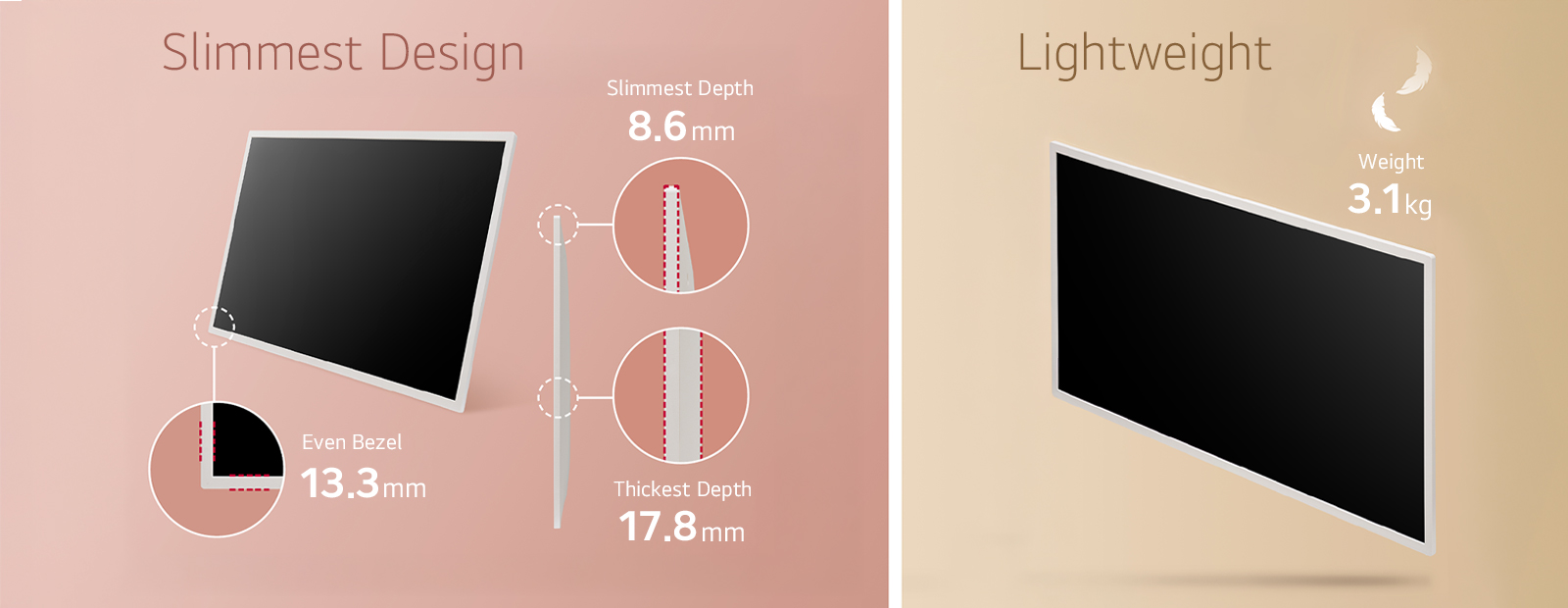
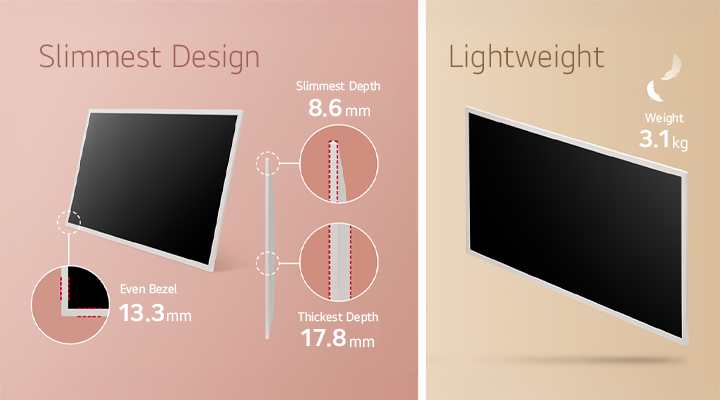
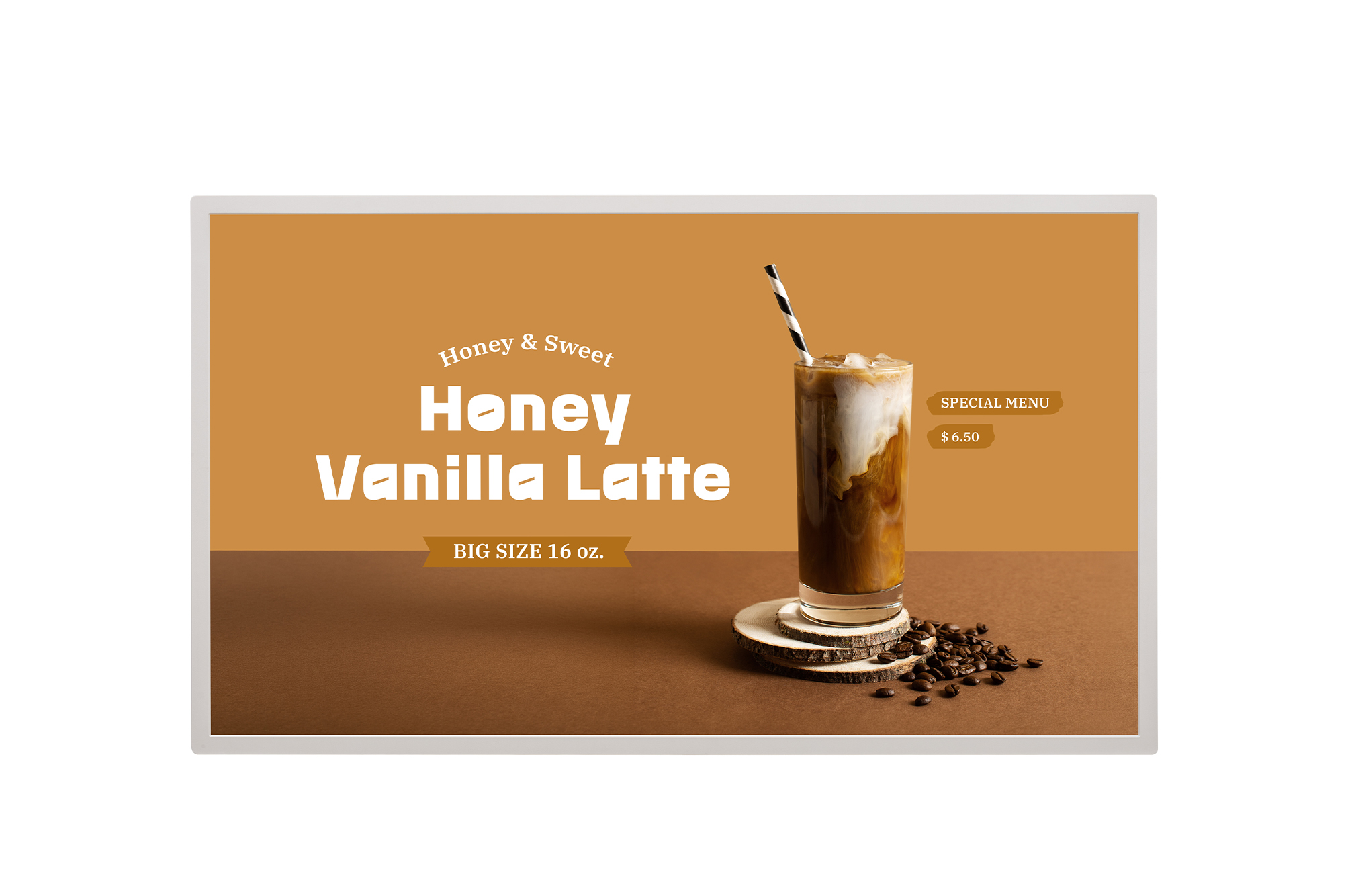
The LG E-paper Display features a sleek profile, measuring 17.8 mm at the sides and tapering to an ultra-slim 8.6 mm.
Framed by a contemporary 13.3 mm calming-beige bezel, it brings a refined, modern presence to any interior. Weighing
approximately 3.1 kg*, it allows for convenient installation and movement. Its design flows naturally into the space,
presenting a sophisticated, paper-like digital upgrade to traditional posters.
Optimized Battery
& Power Options
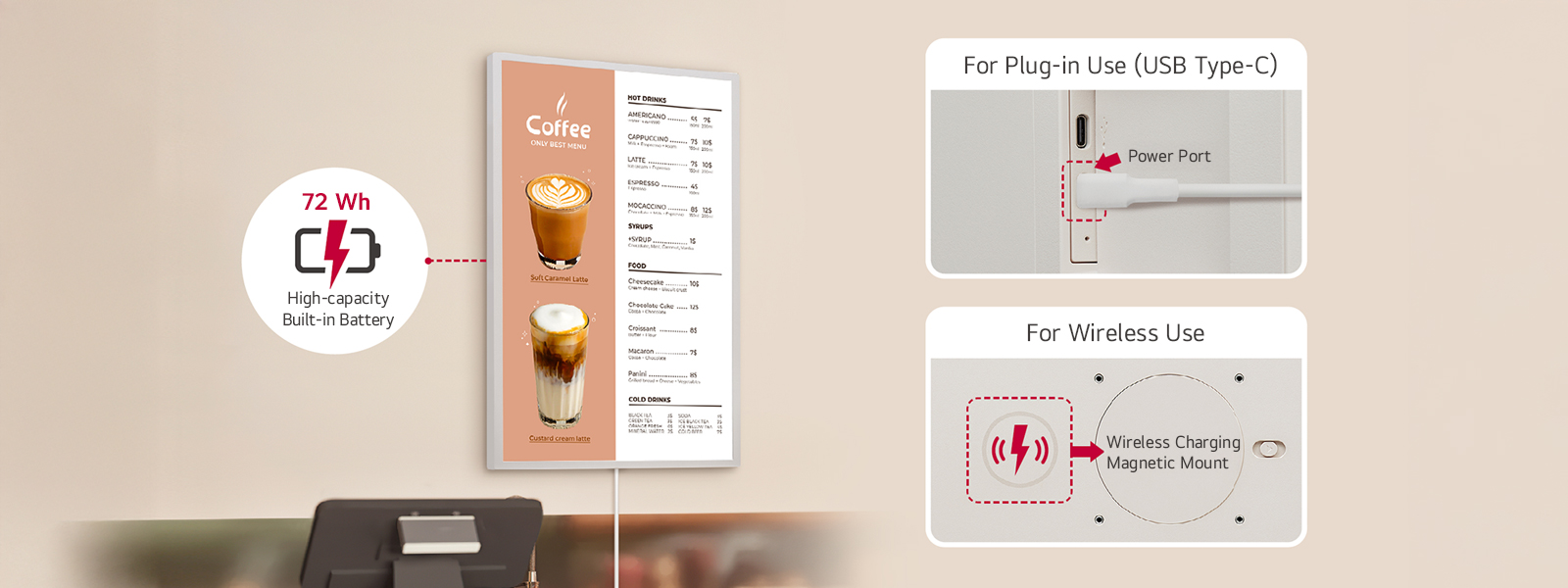
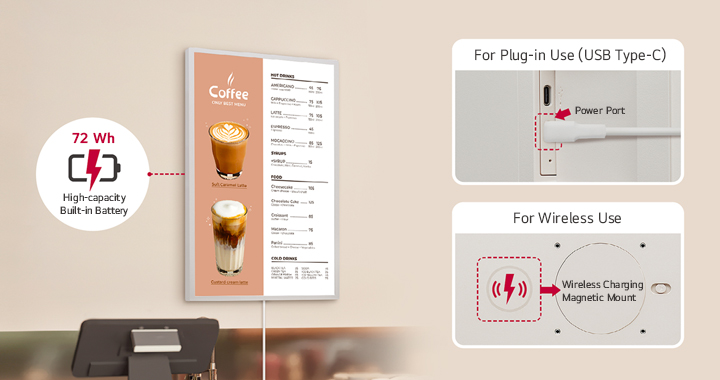
Equipped with a high-capacity 72 Wh built-in battery, the LG E-paper Display can be fully charged in approximately 3 hours*
when using the provided adapter. The product supports both wired and wireless power options**, allowing it to be powered
and charged via the included adapter or used cable-free by attaching a compatible third-party wireless power bank to the
rear magnetic mount for extended operation.***
** Wireless charging can charge up to a maximum of 15 W, and we recommend Qi2-certified products (<230 g, >0.8 kgf). Even Qi2 certified products may not be compatible depending on the characteristics of the auxiliary battery manufacturer.
*** Power banks must be purchased separately. Wireless charging is intended to extend runtime rather than fully charge.
Flexible Installation
for Various Layouts
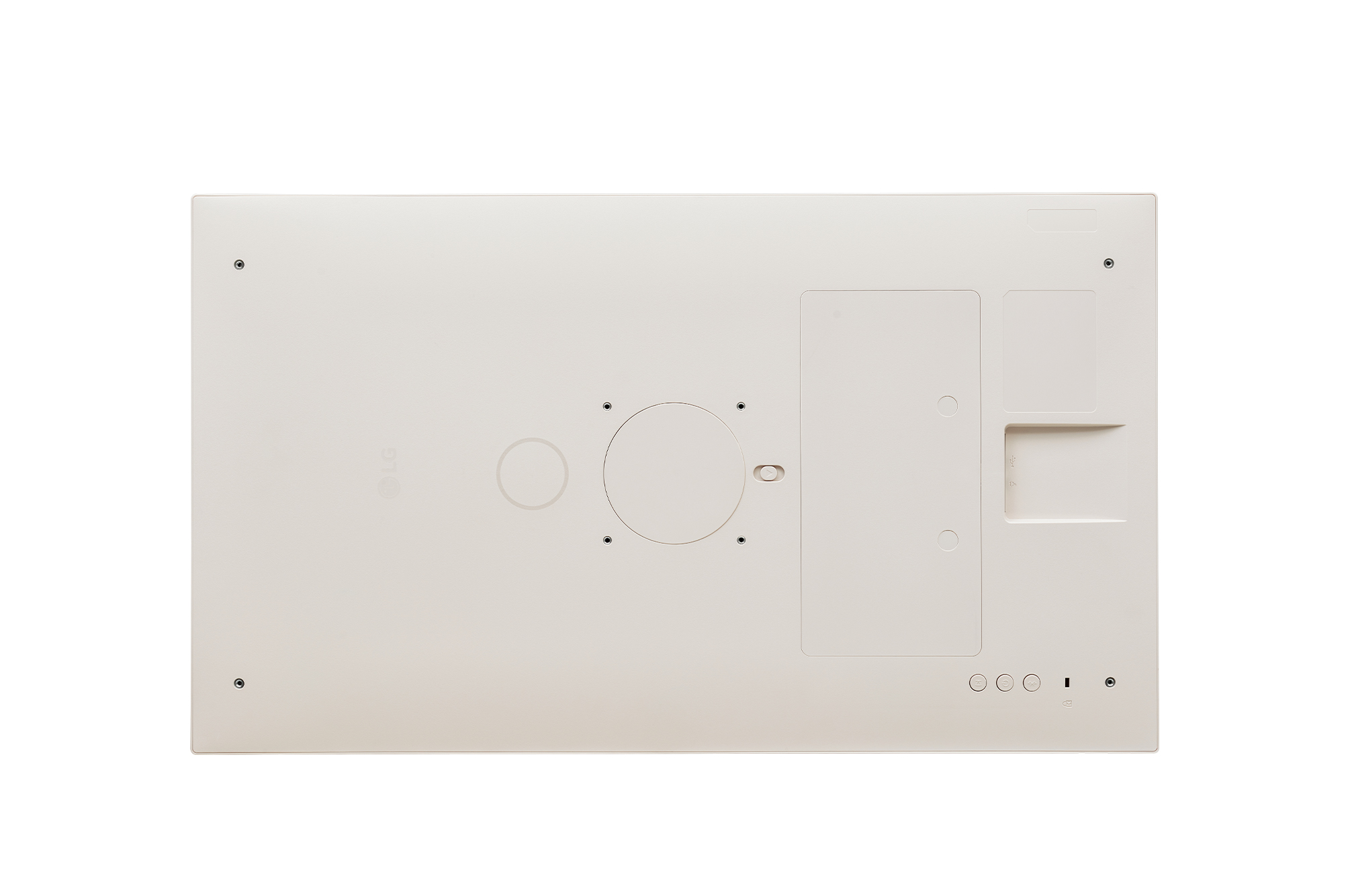
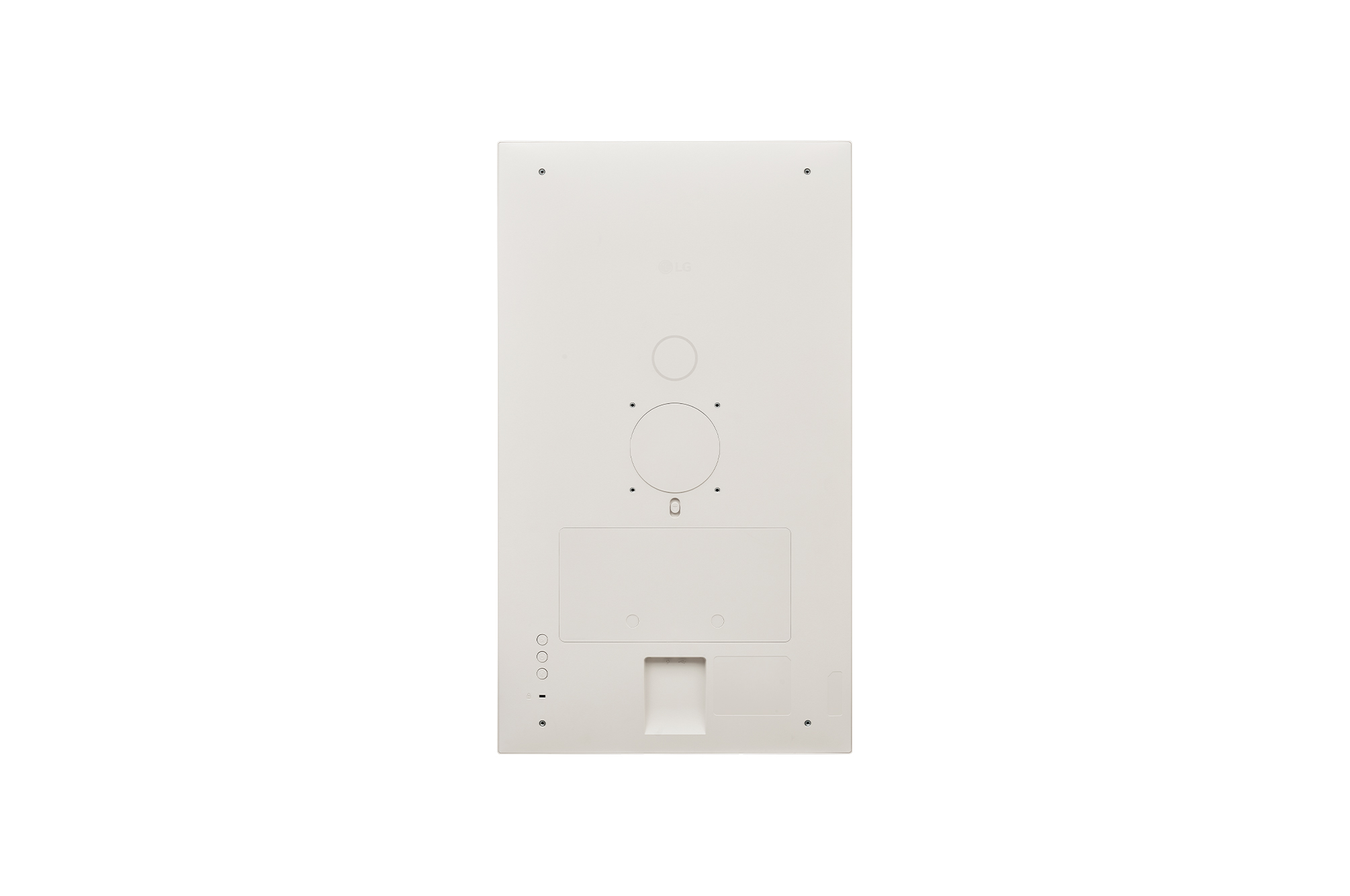
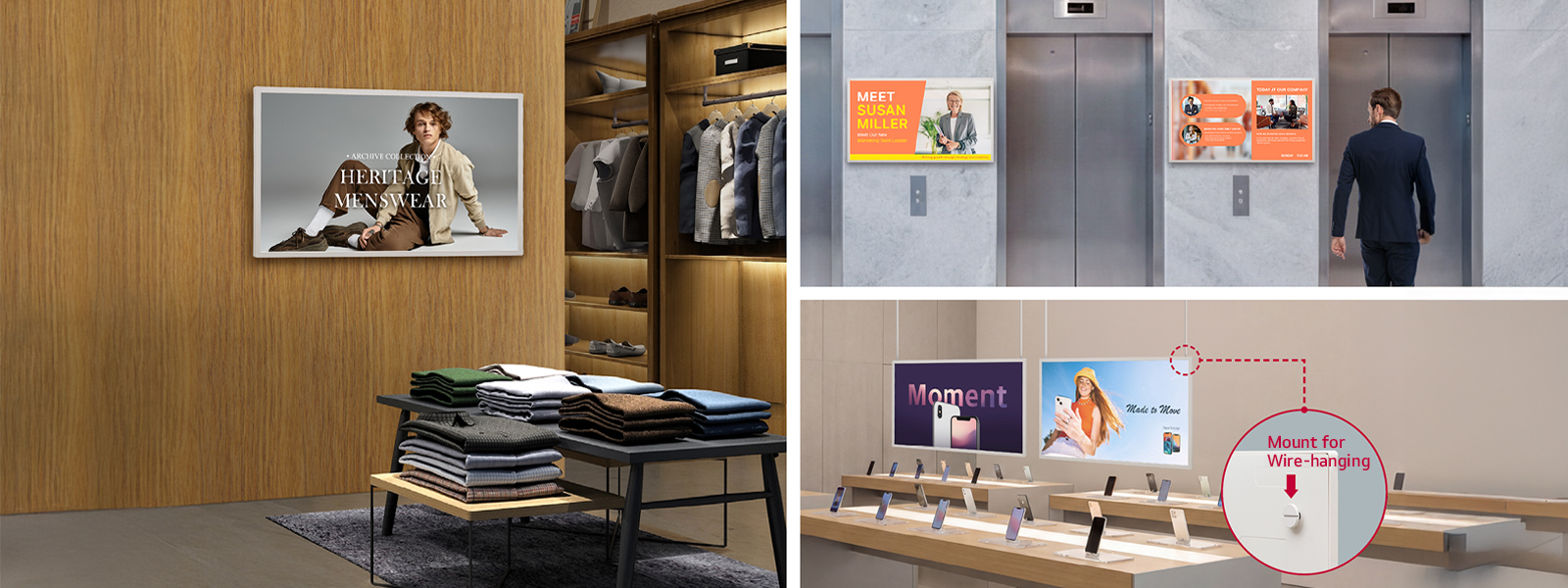
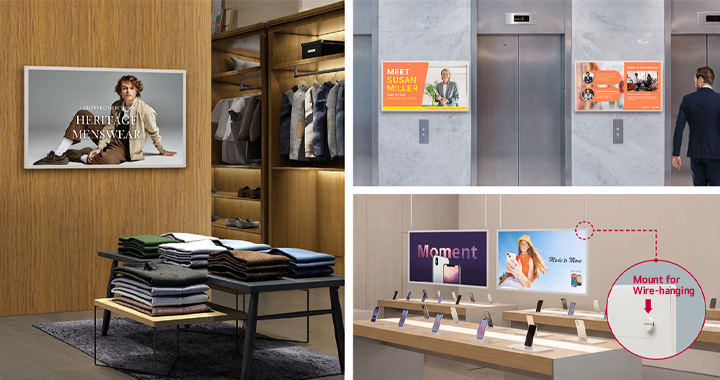
The LG E-paper Display supports multiple installation options. It can be securely mounted to a wall using rear VESA
mounting holes or suspended from the ceiling using a wire-hanging mount. Choose the option that best suits your space
and aesthetic.
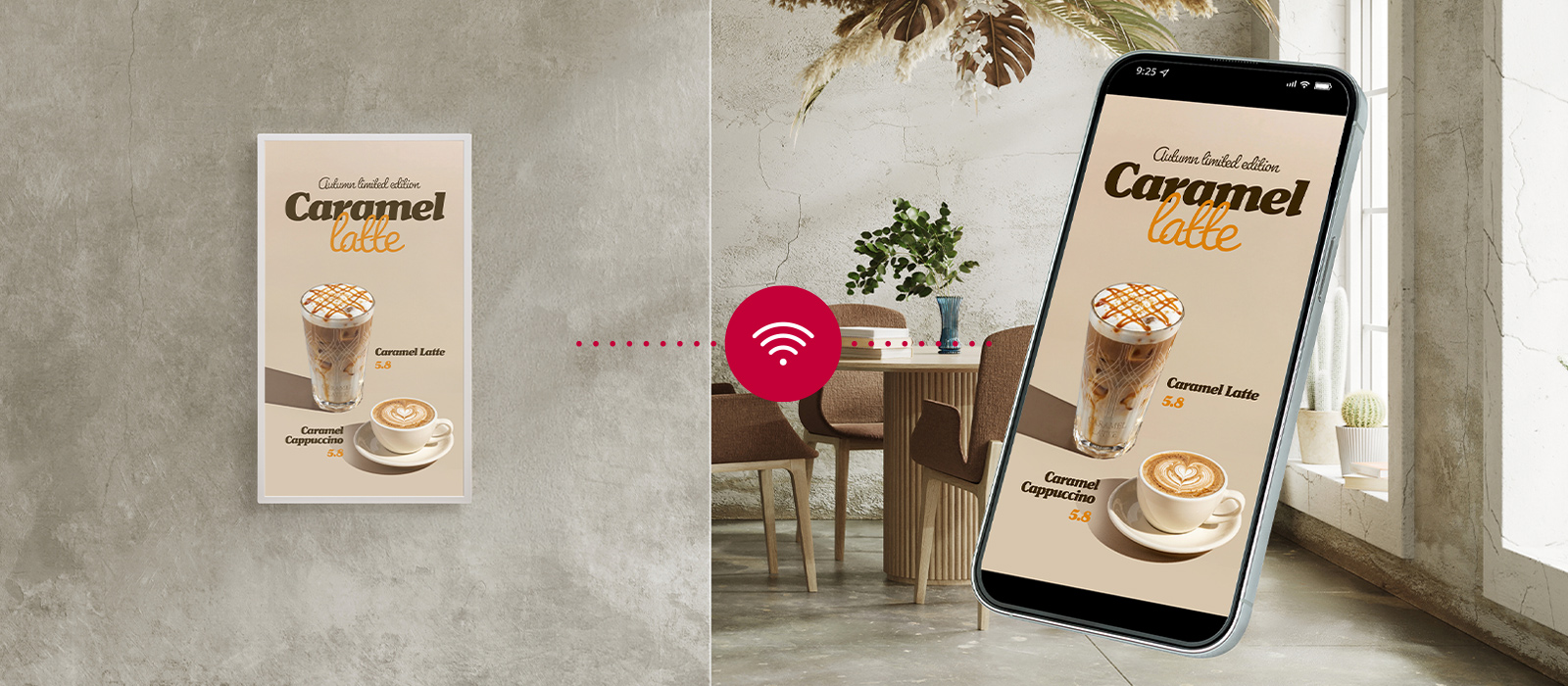
Mobile Control,
Simplified Management
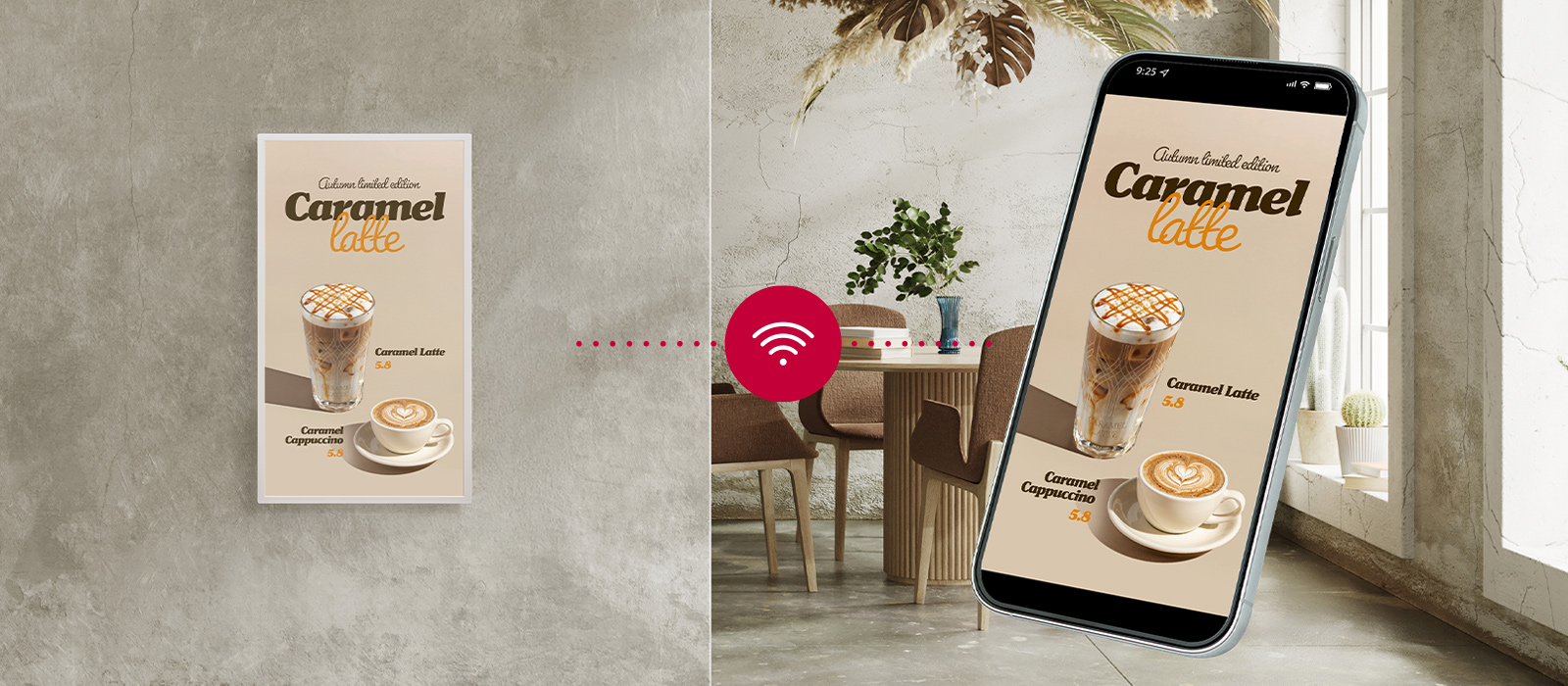
Manage content with the free LG Signage Manager mobile app. As a dedicated controller for LG E-paper Display, the
app enables users to update image content, schedule deployments, and operate displays directly from a mobile device.
Users can also monitor device status, including network connectivity and battery level, and easily adjust settings for more
convenient maintenance and management.
** The app can control LG E-paper Displays connected to the same Wi-Fi network.
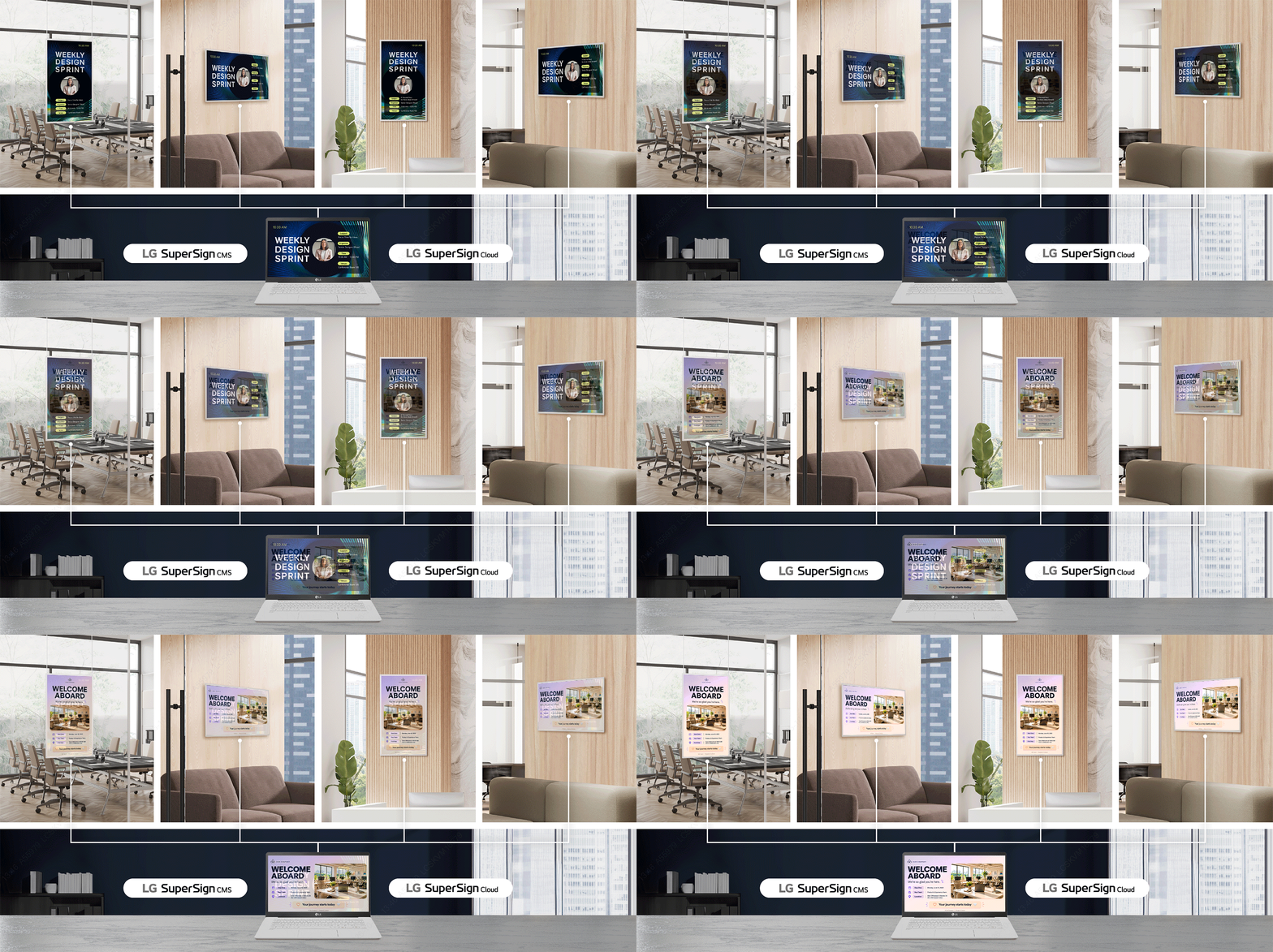
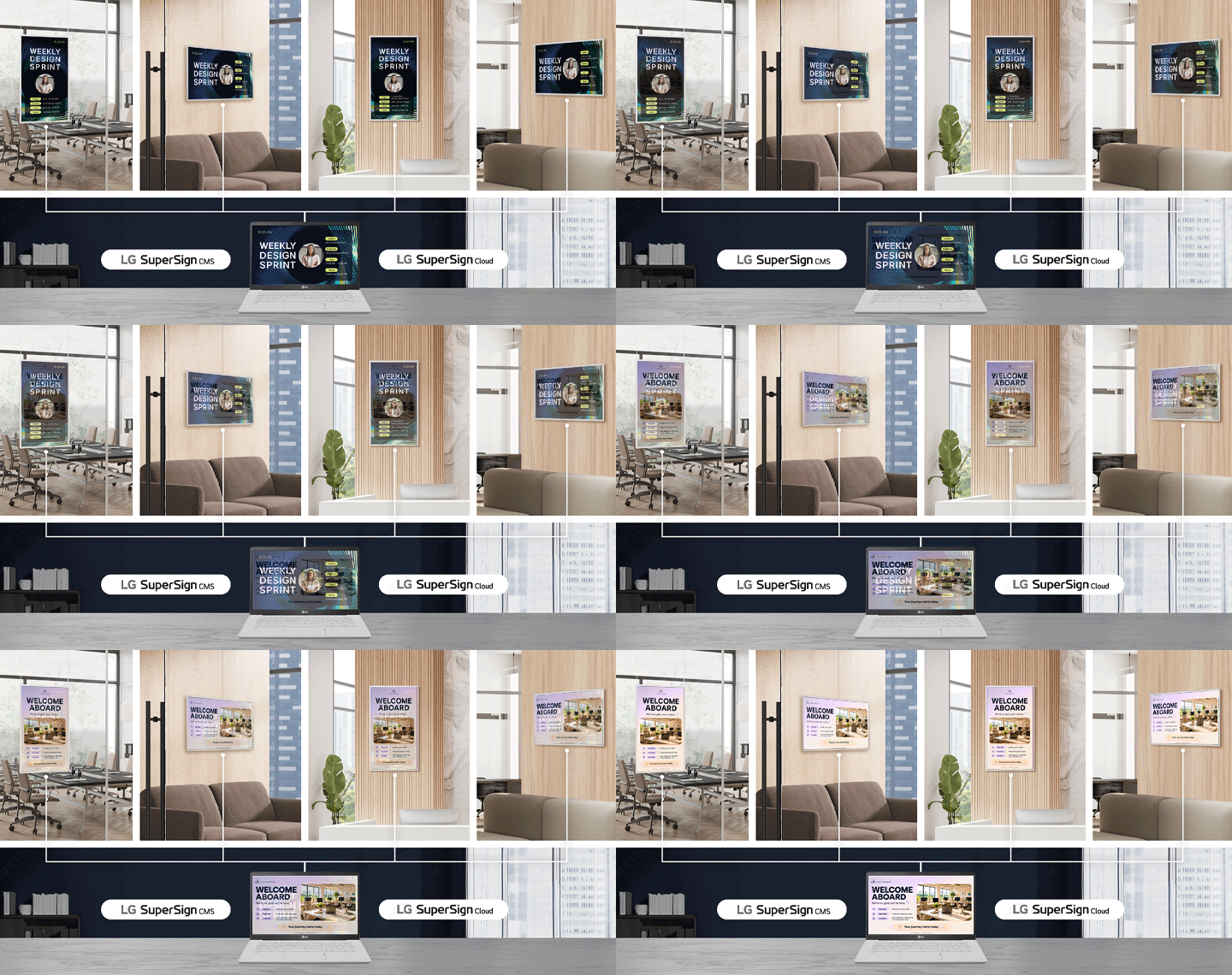
Centralized Control Across
Cloud & On-Premise CMS
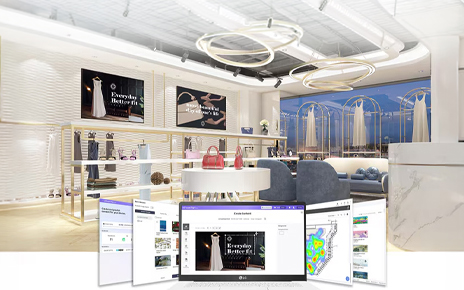
Available as optional solutions, LG SuperSign Cloud (cloud-based) and LG SuperSign CMS (on-premise) enable centralized
content management for LG E-paper Displays. These solutions support remote content distribution, scheduling, and
management across multiple displays, helping improve operational efficiency and maintain consistent content delivery.
** Only image content is supported for distribution to LG E-paper Displays through LG SuperSign Cloud and LG SuperSign CMS.
*** Content update times may vary depending on network conditions.
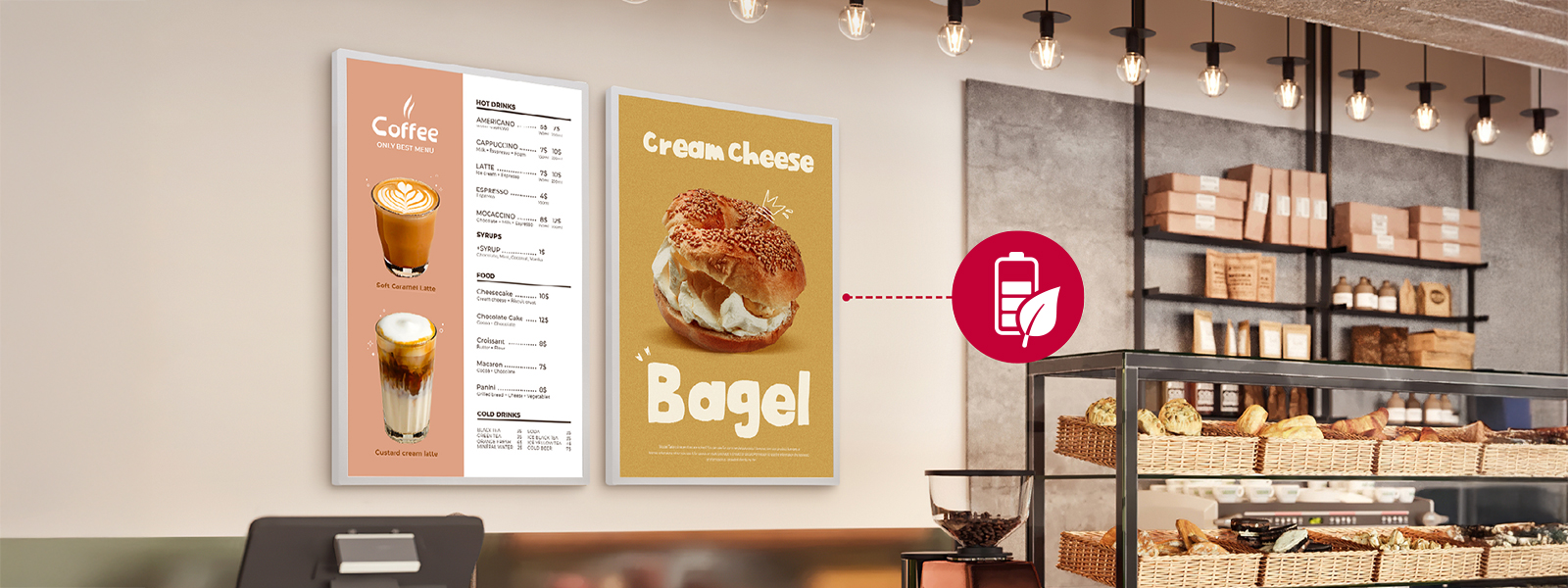
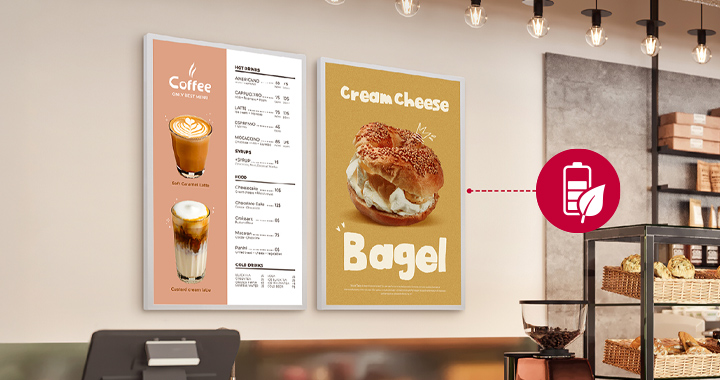
Power Management
for Smarter Operations
webOS-based E-paper Display features a smart power management system that synchronizes with the content schedule
ㅡactivating the display only when content needs to be updated, and switching to power-saving mode for the rest of the
time to minimize power consumption.
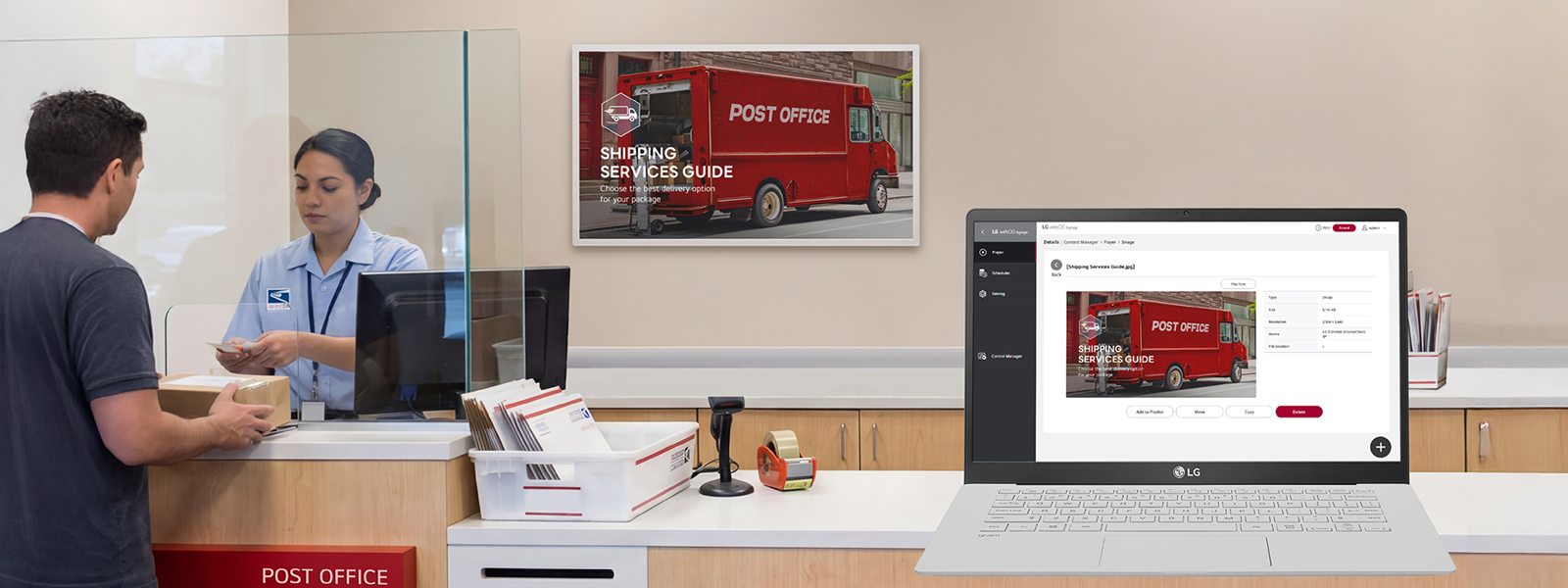
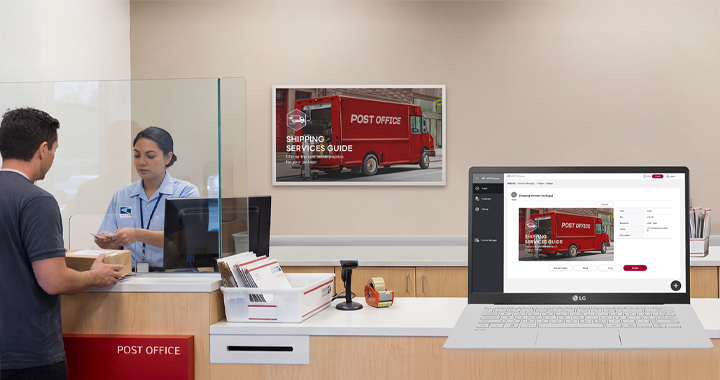
Convenient Content
& Device Management
with webOS
The LG E-paper Display provides a streamlined experience for both content deployment and device management through
webOS. Content can be easily delivered using Content Manager, USB storage, the mobile app, cloud-based platforms, or
the customer(SI)’s own CMS server. For device configuration, users can manage settings through Control Manager. Through
the LG Signage Manager mobile app, users can configure server settings and access both Content Manager and Control
Manager for convenient content deployment and device management.
** Only image content is supported for distribution to LG E-paper Displays.
*** Content update times may vary depending on network conditions.
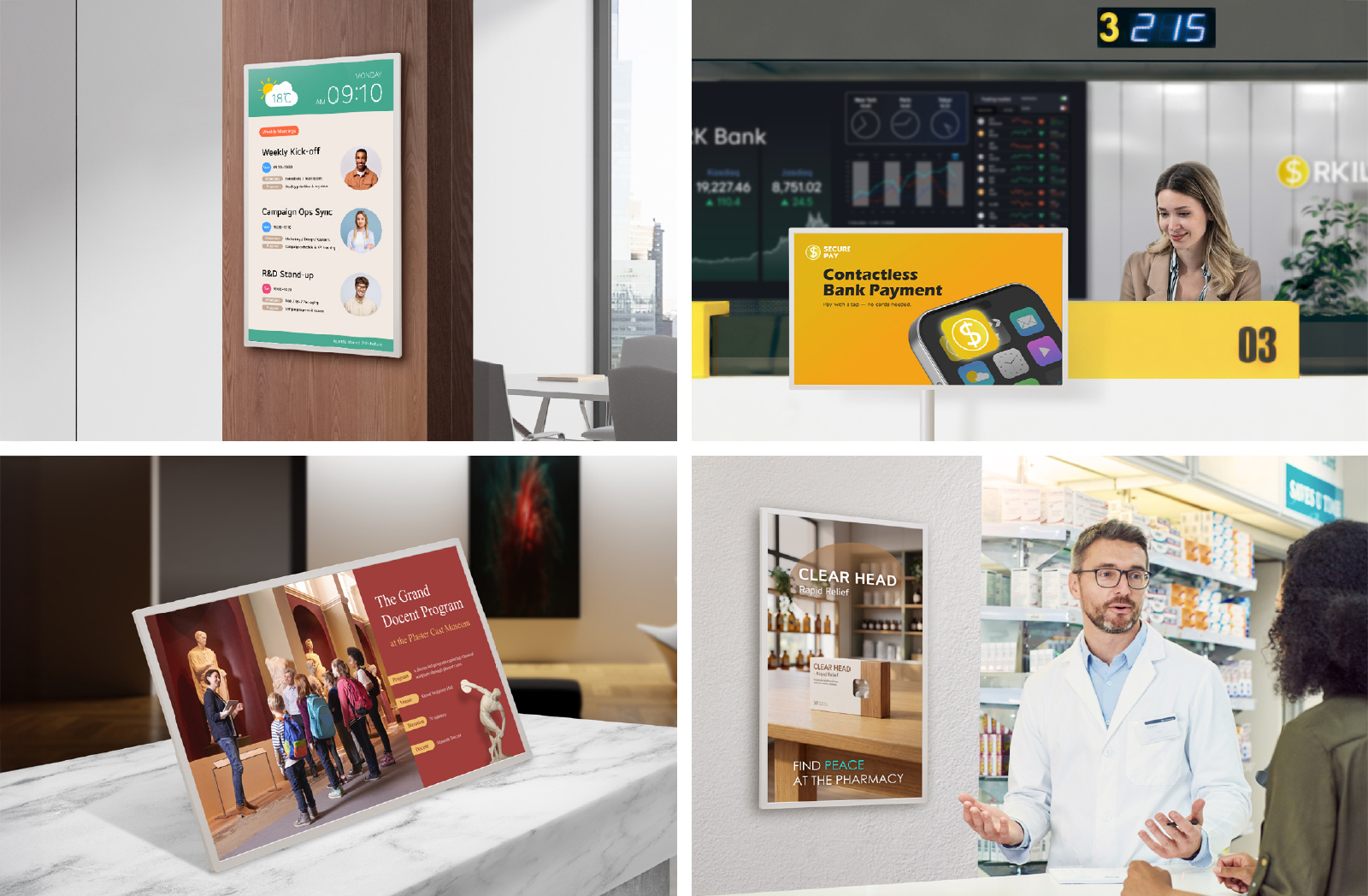
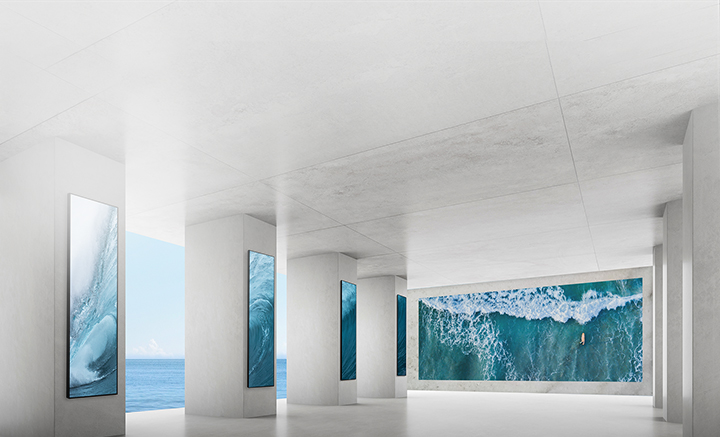
Maximize Impact with Minimal Power.
LG E-paper Display
for Any Indoor Space.
(Temp : 0~40°C / humid : 30~70%)*
* Operating conditions require a temperature of 0°C to 40°C and humidity of 30% to 70%. Installation in direct sunlight is restricted, and warranty does not cover damage caused by window-facing installation.

Find a Variety of Business Stories! Case Studies

Tech Spec
Panel
| Screen Size | 31.5" |
|---|---|
| Panel Technology | Eink Spectra 6 |
| Aspect Ratio | 16 : 9 |
| Native Resolution | 2,560 x 1,440 |
| Refresh Rate | 50 Hz |
| Contrast Ratio | 15:1 (Min.) / 22:1 (Max.) |
| Viewing Angle (H x V) | 180 × 180 |
| Color Volume | 6 Color, 54.6K (Typ.) |
| Life Time (Min.) | 50,000Hrs |
| Operation Hours (Hours / Days) | 24 / 7 |
| Portrait / Landscape | Yes / Yes |
Connectivity (Jack Interface)
| Input | USB (USB Type-C (USB 2.0), USB-C to RJ45 Adaptor compatible) Power (DC (External Power), USB Type-C Power (PD Sink)) |
|---|
Mechanical
Specification
| Bezel Color | Calming Beige |
|---|---|
| Bezel Width | 13.3 mm |
| Weight (Head) | 3.1 kg (w/ Battery & Hanging Bolt x 2ea) |
| Packed Weight | 5.4 kg |
| Monitor Dimensions (W × H × D) | 724.7 × 420.1 × 17.8 mm |
| Carton Dimensions (W × H × D) | 812 × 502 × 120 mm |
| VESA™ Standard Mount Interface | 100 × 100 mm |
| Tilt (Face up) | Yes (Max -30º degree) |
| Tilt (Face down) | Yes (Max -30º degree) |
Feature
| HW | Internal Memory 8 GB, Wi-Fi/BT (Built-in), Temperature Sensor, Humidity Sensor, Acceleration(Gyro) Sensor, Local Key Operation (3 Key) |
|---|---|
| SW | webOS26 Micro, Local Contents Scheduling, USB Plug & Play, Control Manager, SI Server Setting (External Server Setting) |
Environment Conditions
| Operation Temperature | 0°C to 40°C |
|---|---|
| Operation Humidity | 30% ~ 70% |
Power
| Power Supply | AC 100-240V~, 50/60Hz , Adaptor (65 W) |
|---|---|
| Power Type | Built-In Battery (72 wh) |
Power Consumption
| Typ. | 4 W |
|---|---|
| Max. | 6 W |
| Power off | 0.5 W ↓ |
Certification
| Safety | CB / NRTL |
|---|---|
| EMC | CE, RED (EU) / KC (KOREA) / FCC Class"B" (US) / VCCI (Japan) |
| TUV Green | Yes (TUV Product Carbon Footprint) |
| ePEAT | No |
Software Compatibility
| LG Signagae Manager, LG SuperSign Cloud, LG SuperSign CMS |
Accessory
| Basic | Power Cord, Type C Adapter, Hanging Mount Bolt (2), Manual (OM, UG, QSG), Installation Guide, Regulation Book, Warranty Card, Wireless Spec Card, Adapter Spec Card |
|---|
Product Dedicated Feature
| Battery Type | Built-in Battery (Lithium-ion) |
|---|---|
| Battery Capacity | 72 Wh |
| Wireless Charging | Yes (Max 15W) |
| LED Indicator | Yes |
| Update time (Image refresh) | 27sec (Typ.) @ 25˚C |
| Supported Image File Format | jpeg, jpg, bmp, png, jpe |
Q. What is the LG E-paper Display and where can it be used?
Q. How does LG E-paper Display manage power usage?
Q. How long does the battery last and how is it charged?
• Battery Capacity & Charging Time: Equipped with a 72Wh built-in battery, it fully charges in about 3 hours via the included adapter. (Actual battery life and charging time may vary by content update frequency and operating conditions.)
• Wired & Wireless Support: Supports both wired and wireless charging. For wireless charging, simply attach a separately purchased wireless power bank to the back of the display.
For detailed information regarding charging options, please refer to the provided product details page.
Q. How are content and device management handled on the LG E-paper Display?
Business Resources
To download product manuals, please visit the Manual Download Page (Click).


Screen images are simulated and/or dramatized. Some features in videos may not be available on all models. Please refer to the TECHNICAL SPECIFICATIONS tab for a complete list of features by model.